STEP 1
Getting started
Tell us about your body, goal, and desired rate of progress. Choose from four options: lose weight, gain weight, maintain weight, or reverse diet to get started.
Next step
STEP 2
Get personalized recommendations
Carbon will recommend how much protein, carbs, and fat to consume (your macro targets) based on your goals and the latest science.
STEP 3
Fine tune your macros to your liking
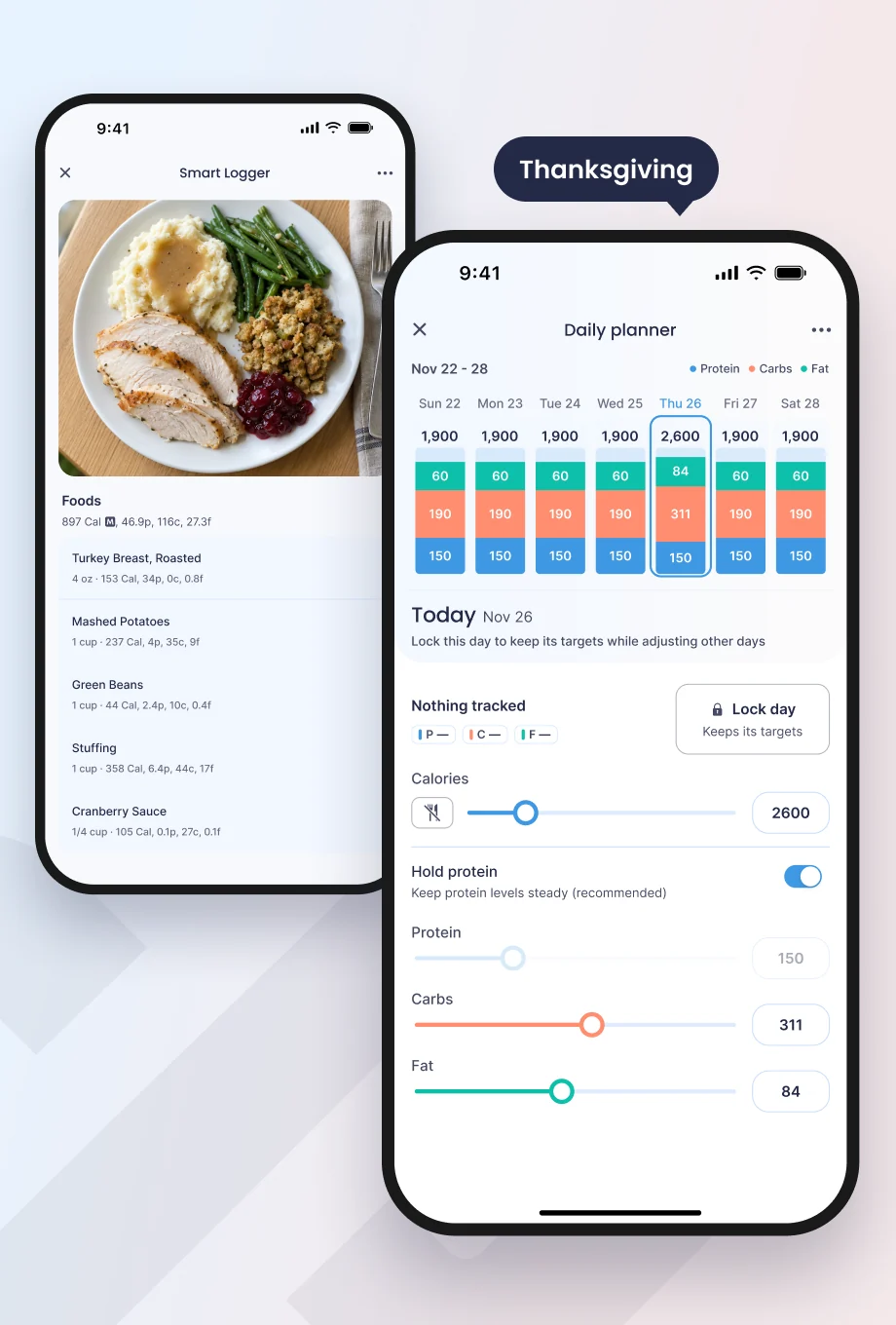
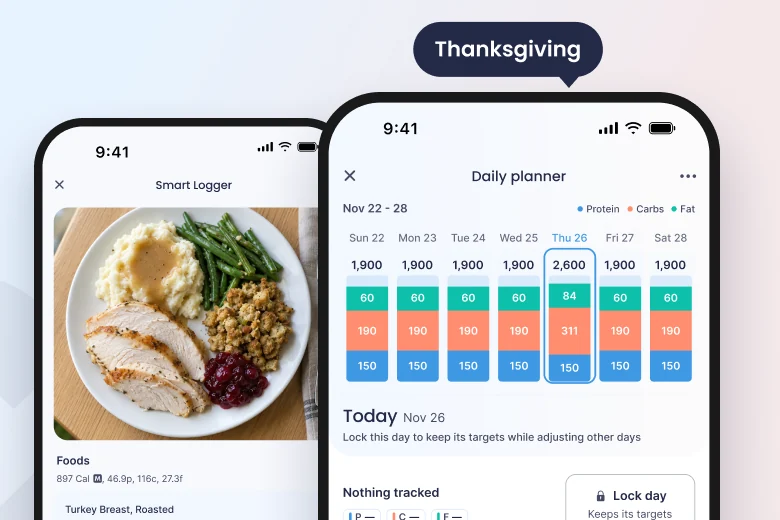
Adjust each macro (protein, carbs, and fat) to your personal preference and lifestyle while sticking within the optimal range.
STEP 4
Track your food
Our easy-to-use food tracker includes a
large food database, the ability to create custom foods and recipes, and many other convenient features.
STEP 5
Check in regularly
The app analyzes your macros, metabolism, and weight to learn your body and adjusts if needed to keep you on track towards your goal.
STEP 6
Monitor progress
Visualize your body values and nutrition metrics to see the process you are making using Carbon's proven methods.